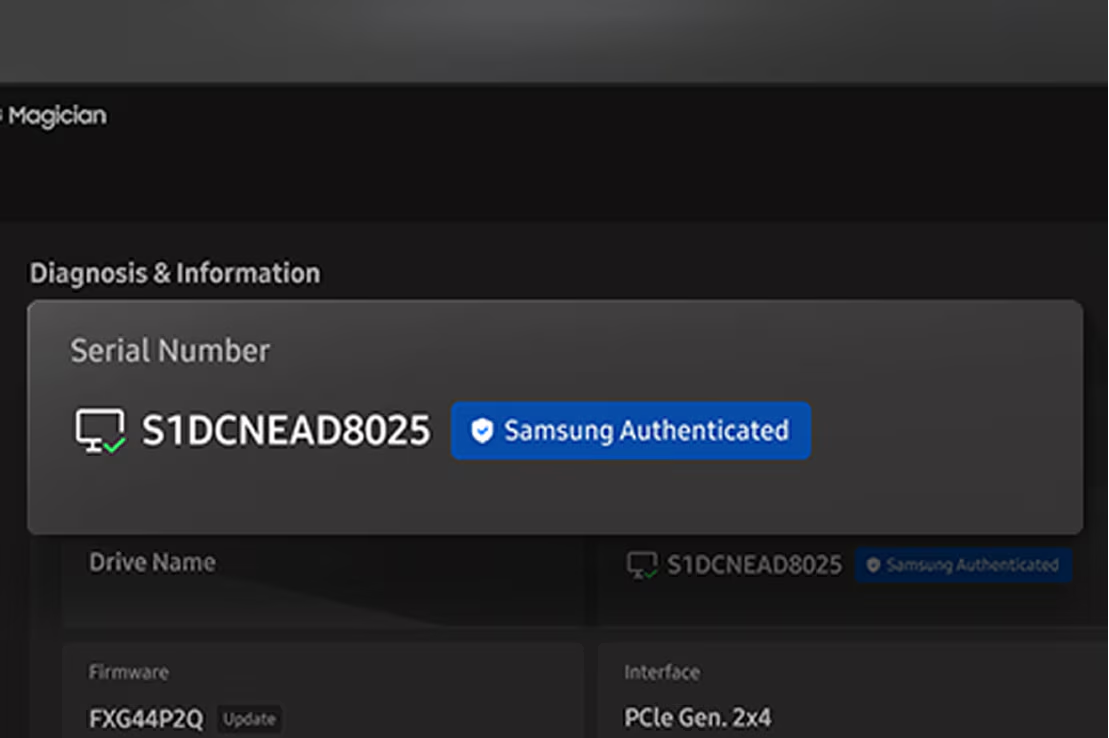
Genuine Authentication
Проверка подлинности SSD Samsung для стабильной работы. Короткая проверка, что диск именно Samsung.
*Для Genuine Authentication нужен интернет.
Ваша память. Ваш способ. Ваши правила.
Настройте диск под себя. Панель можно собрать из нужных виджетов под ваши привычки.
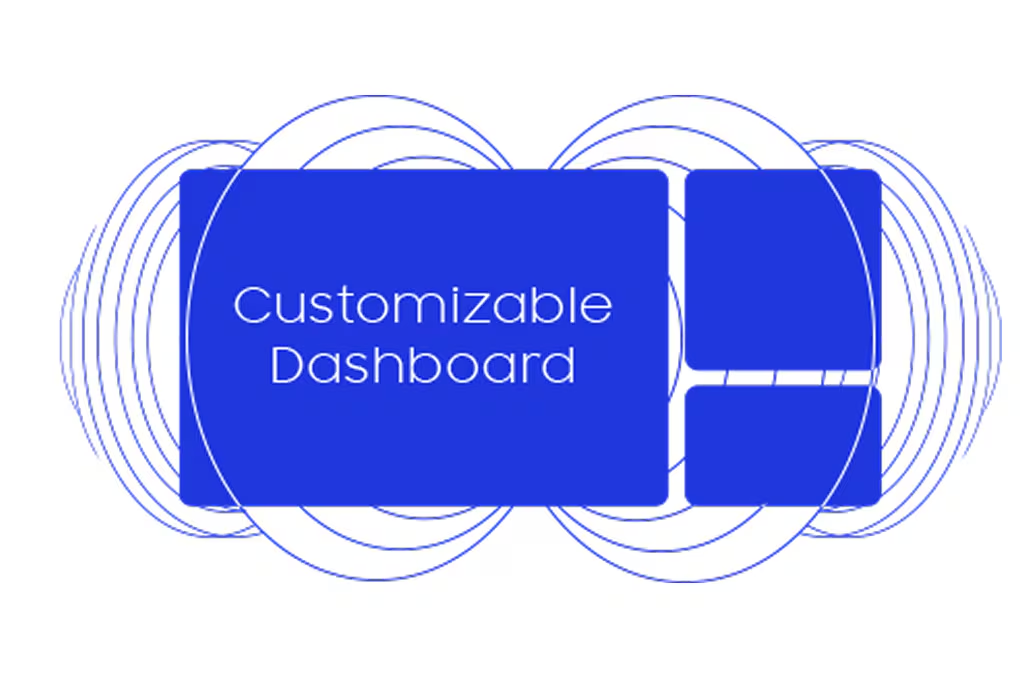
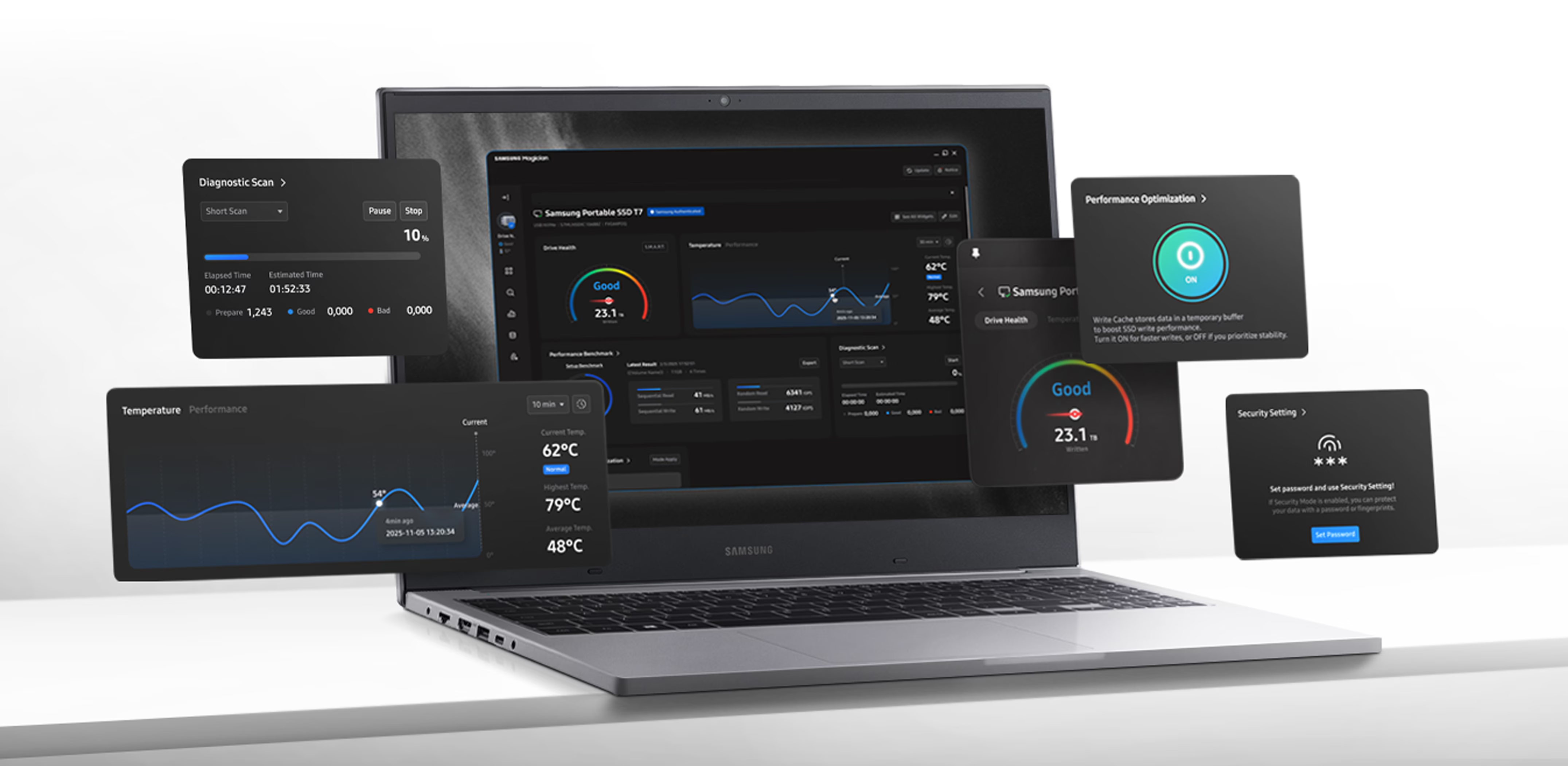
Состояние SSD видно сразу. Одна панель показывает статус диска, совместимость, предупреждения об обновлении и помогает держать скорость.
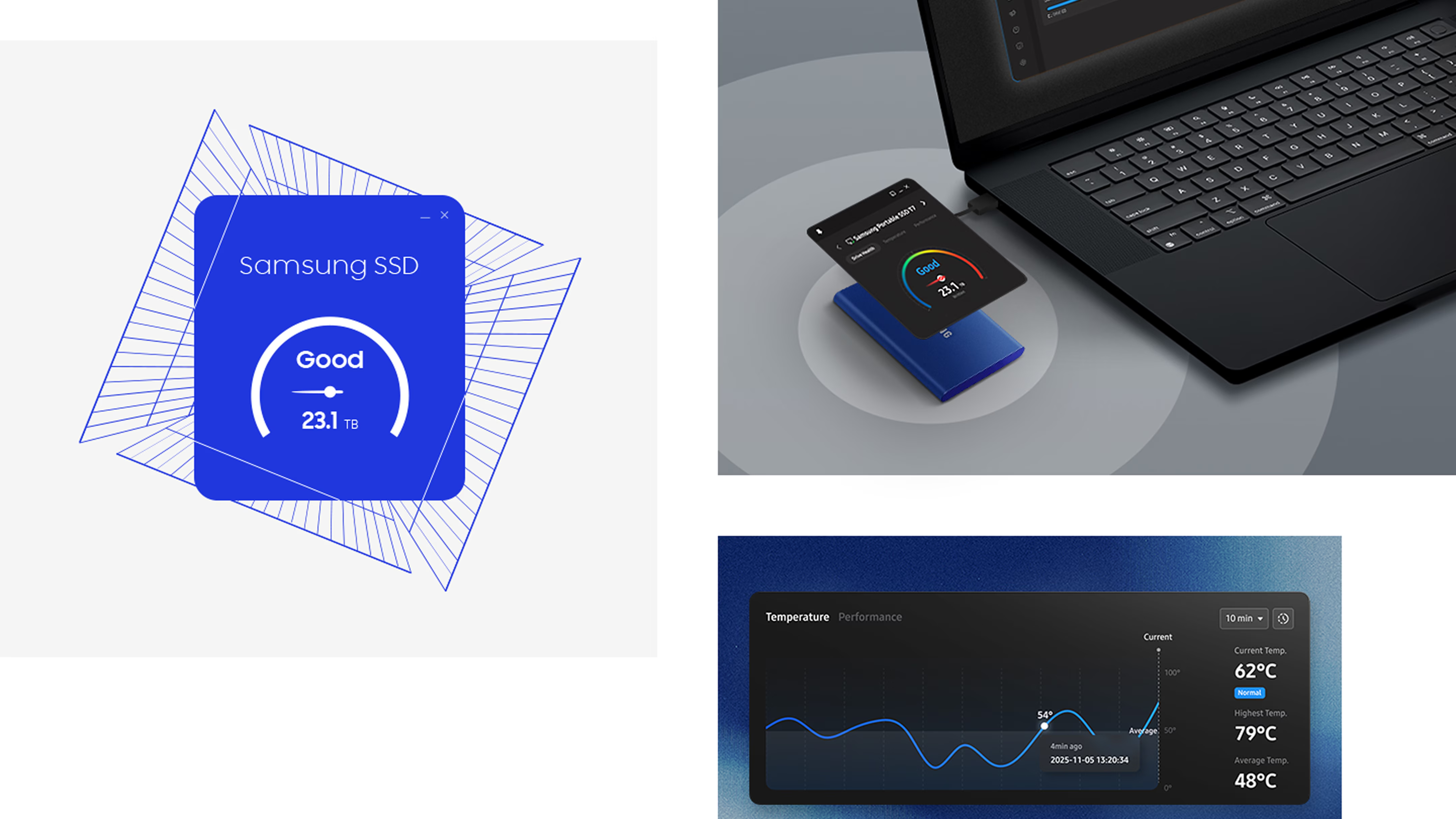
Проверка подлинности SSD Samsung для стабильной работы. Короткая проверка, что диск именно Samsung.
*Для Genuine Authentication нужен интернет.
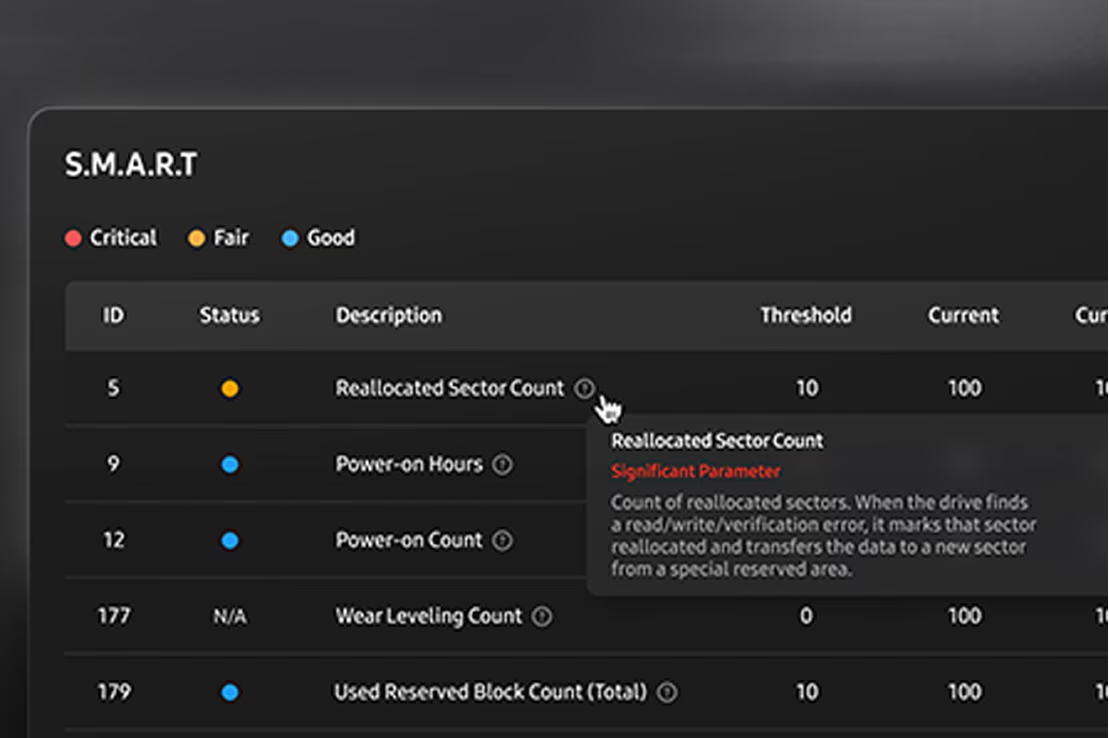
Замечает признаки проблемы заранее. Встроенная диагностика читает состояние диска и ранние признаки отказа.
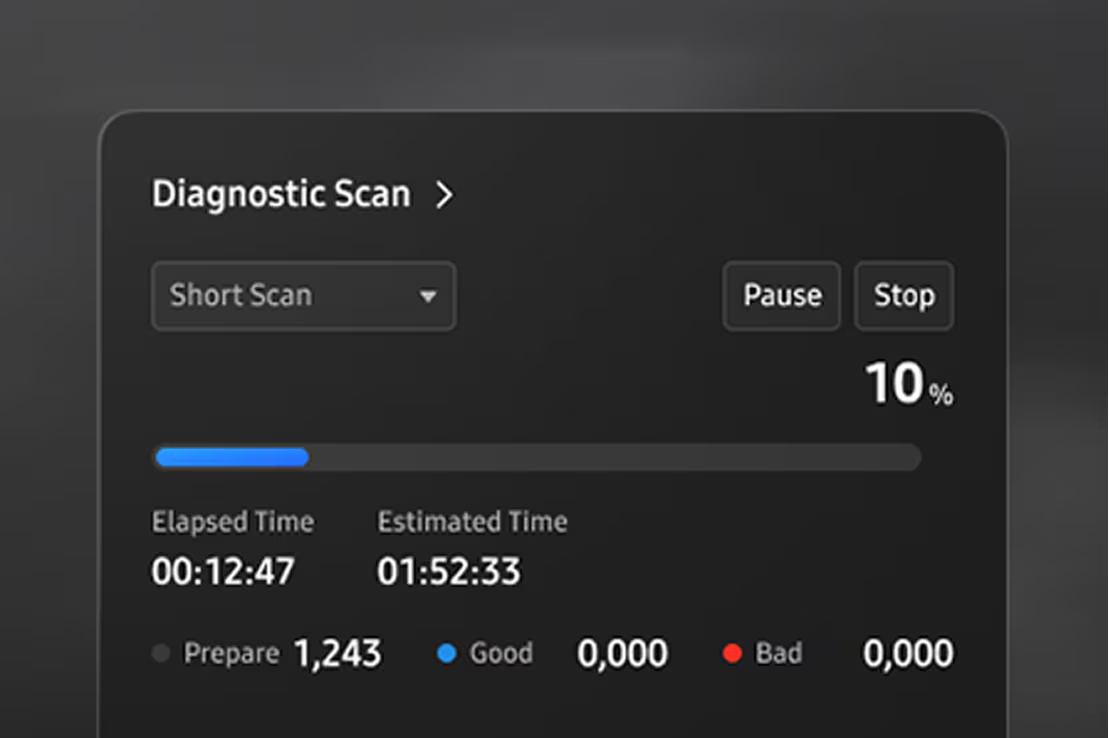
Diagnostic Scan запускает короткий тест возможных ошибок SSD. Проверка быстрая и прямая.
Data Migration быстро переносит ОС, программы и файлы с текущего диска на диск Samsung.

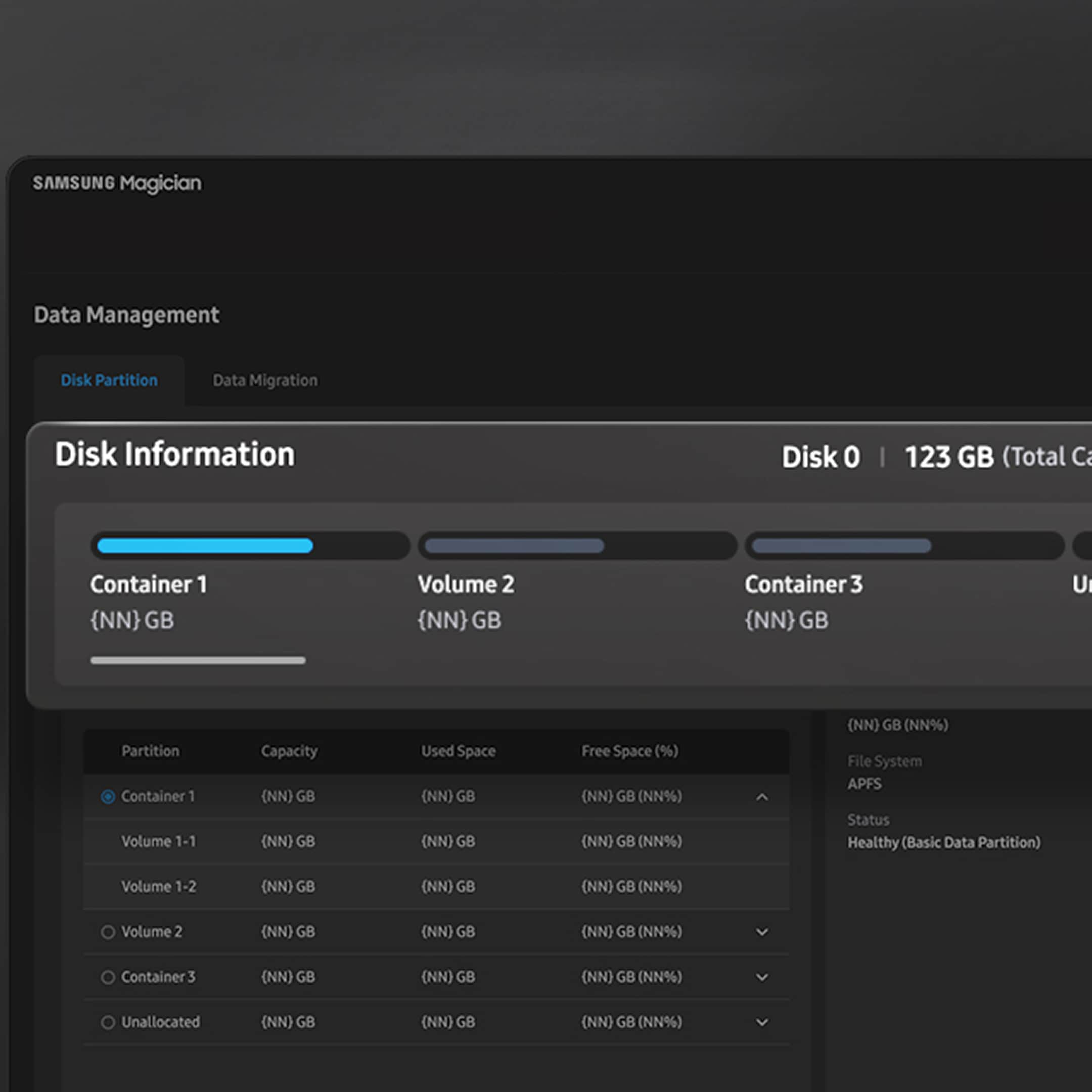
Разделите один SSD на отдельные разделы: так проще разделять данные и управлять ими.
Performance Optimization подстраивает режим под задачу: полная мощность или экономия энергии. Доступные режимы зависят от модели.
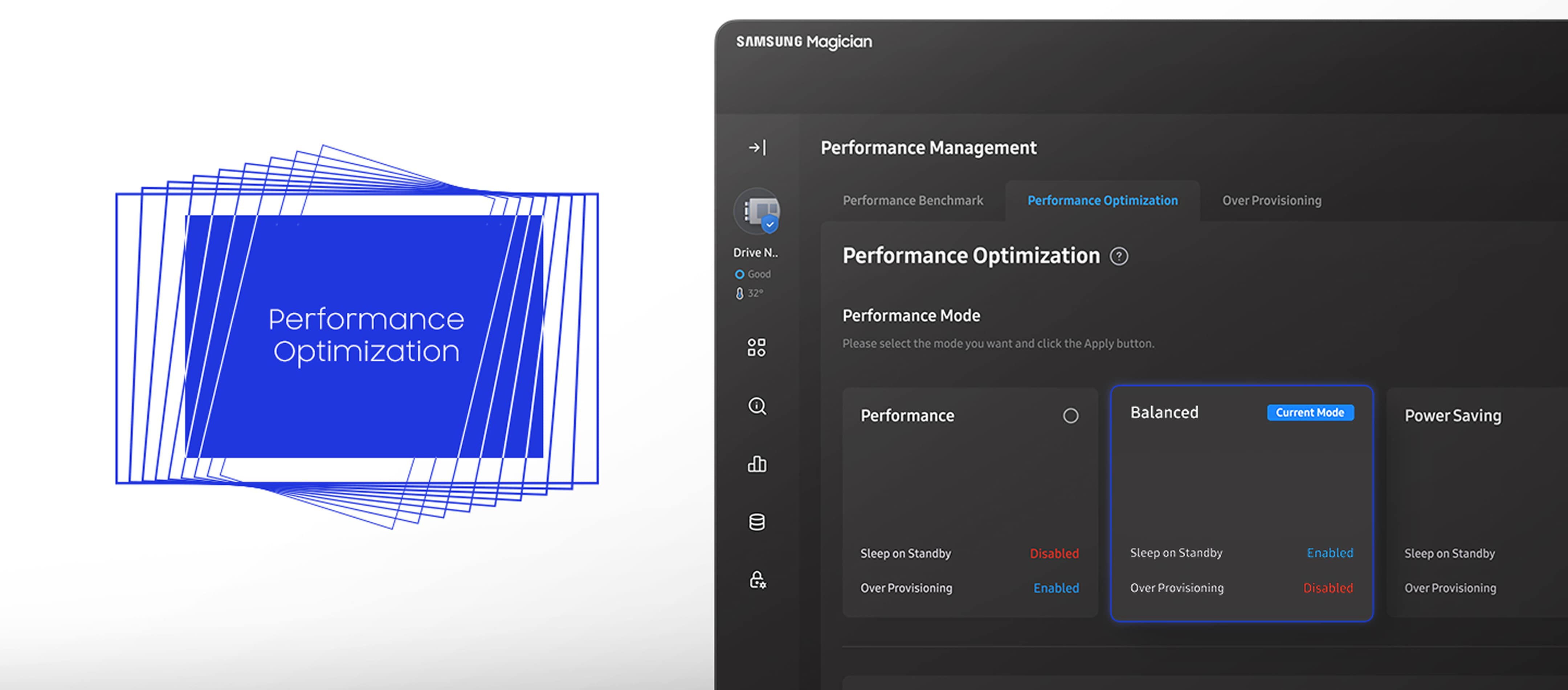
* Available mode options vary depending on the model and type of Samsung SSD. RAPID mode is fully supported only when the system meets its requirements, including Windows 7 or later and 2 GB of RAM or more.
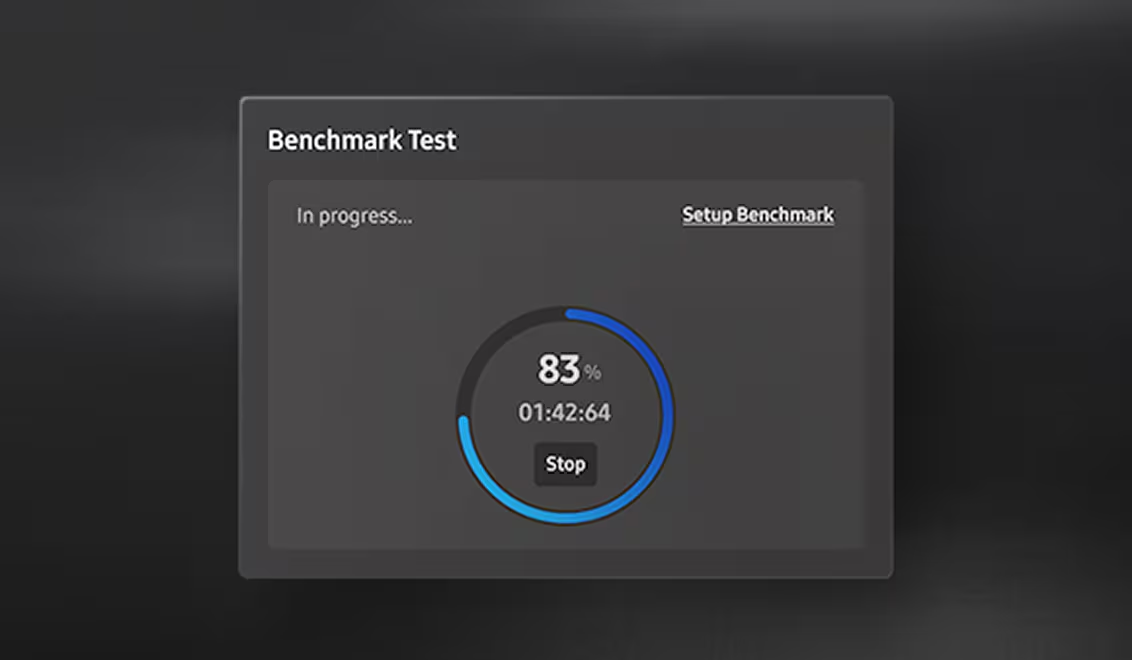
Measure what matters to you with performance tests. See how well your drive is operating with read and write speeds, and customize test conditions such as volume and chunk size.
* Refresh the drive list in System Information before a benchmark or performance optimization on a drive you just attached.
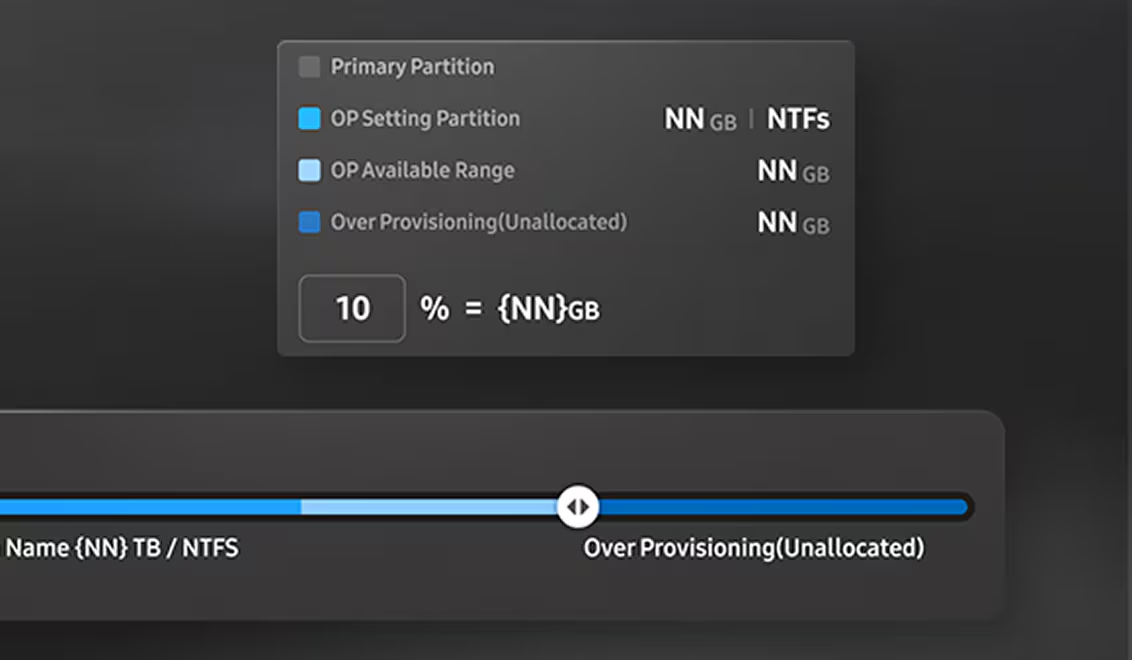
Free up a little space to reap a load of benefits. With Over Provisioning, you can allocate drive space for faster performance and routine maintenance, while extending the overall lifespan of your SSD.
* Over Provisioning is not supported for Windows XP. It can also fail when the disk has cluster misalignment, even if free space remains.
Защитите диск паролем в настройках. Доступ остаётся только у вас.
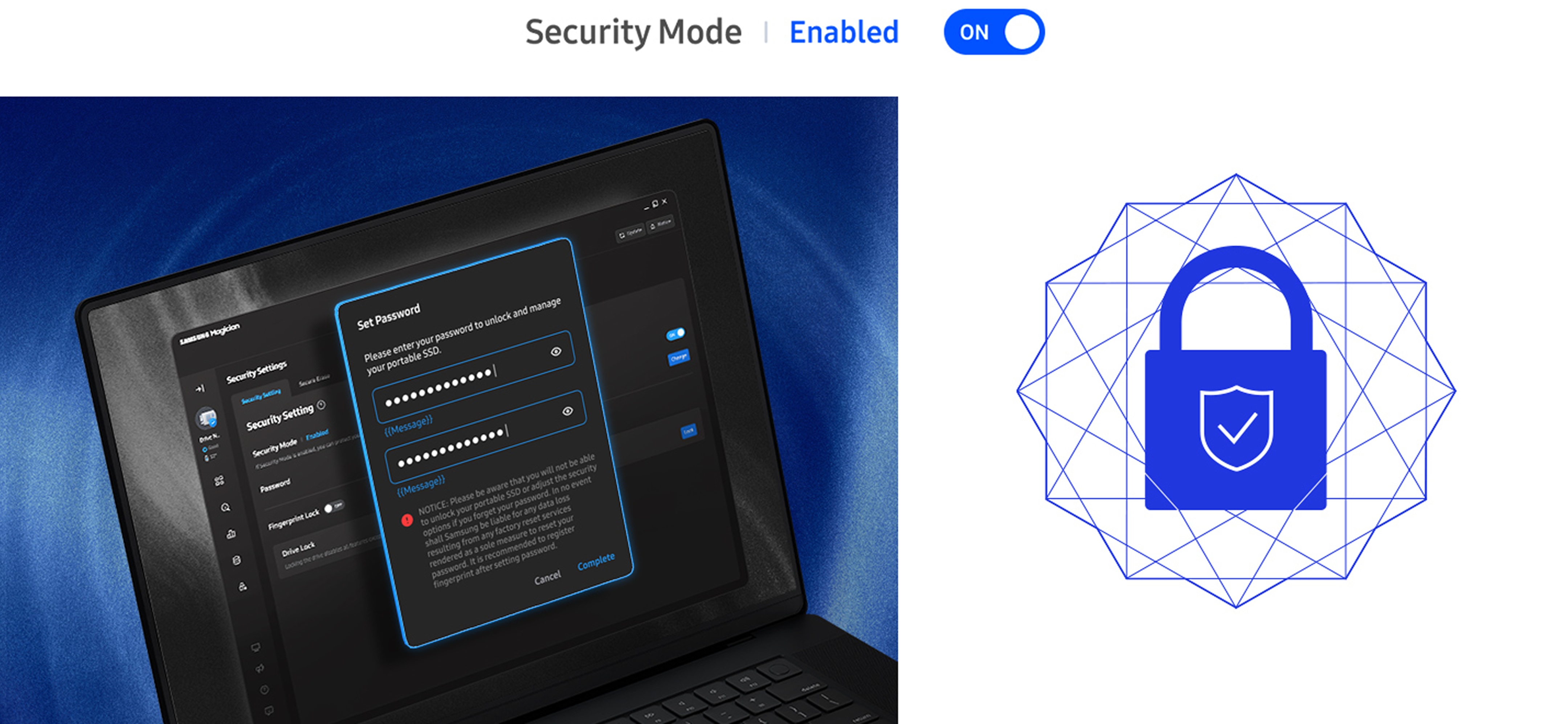
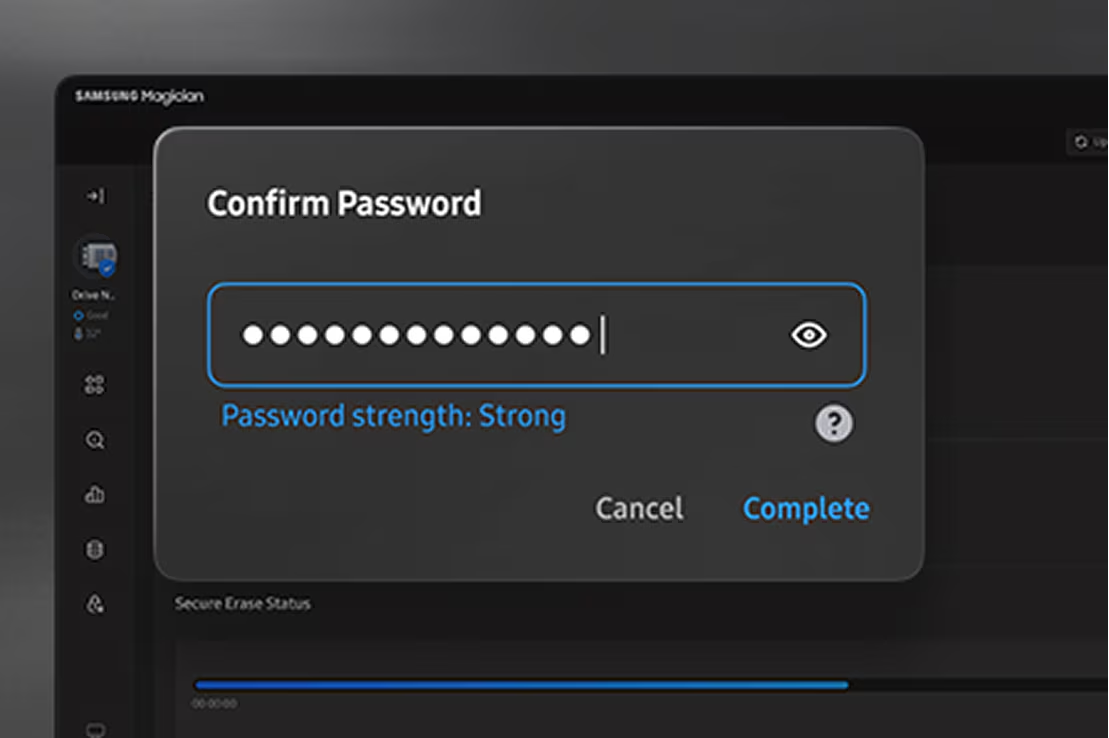
Secure Erase стирает данные, которые вы решили уничтожить. Это необратимо. Не отключайте диск во время операции.
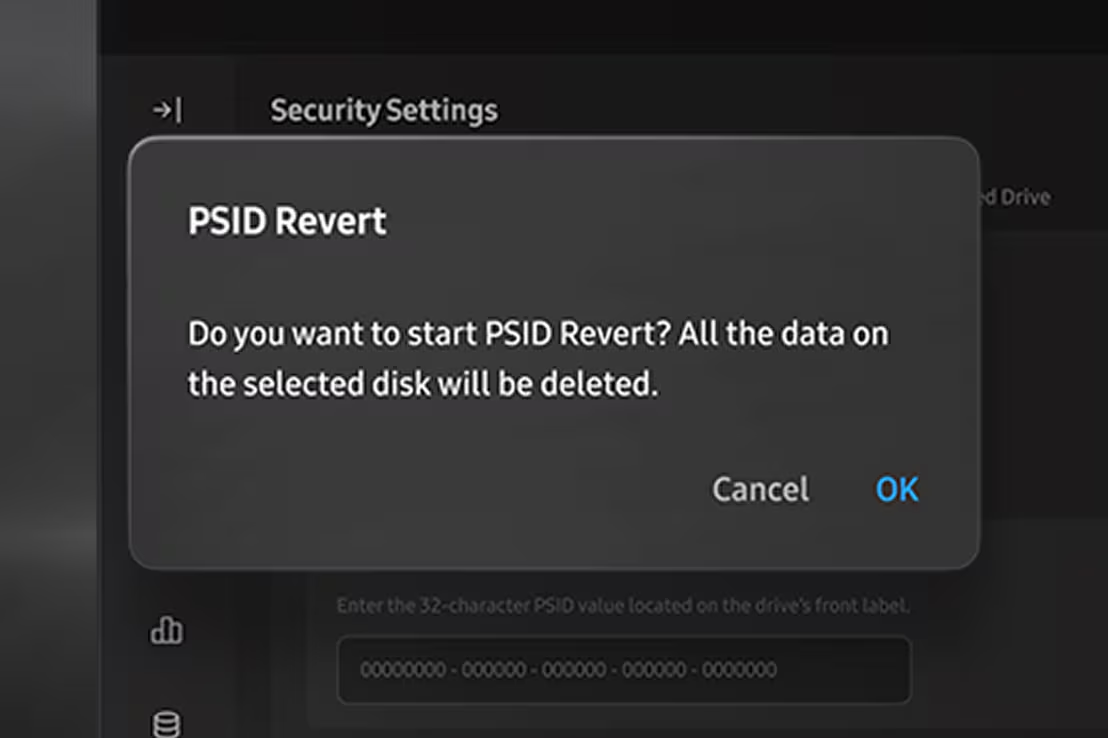
Быстрый сброс диска. Введите PSID с наклейки и запустите PSID Revert. Samsung пишет, что все данные на выбранном диске будут удалены.
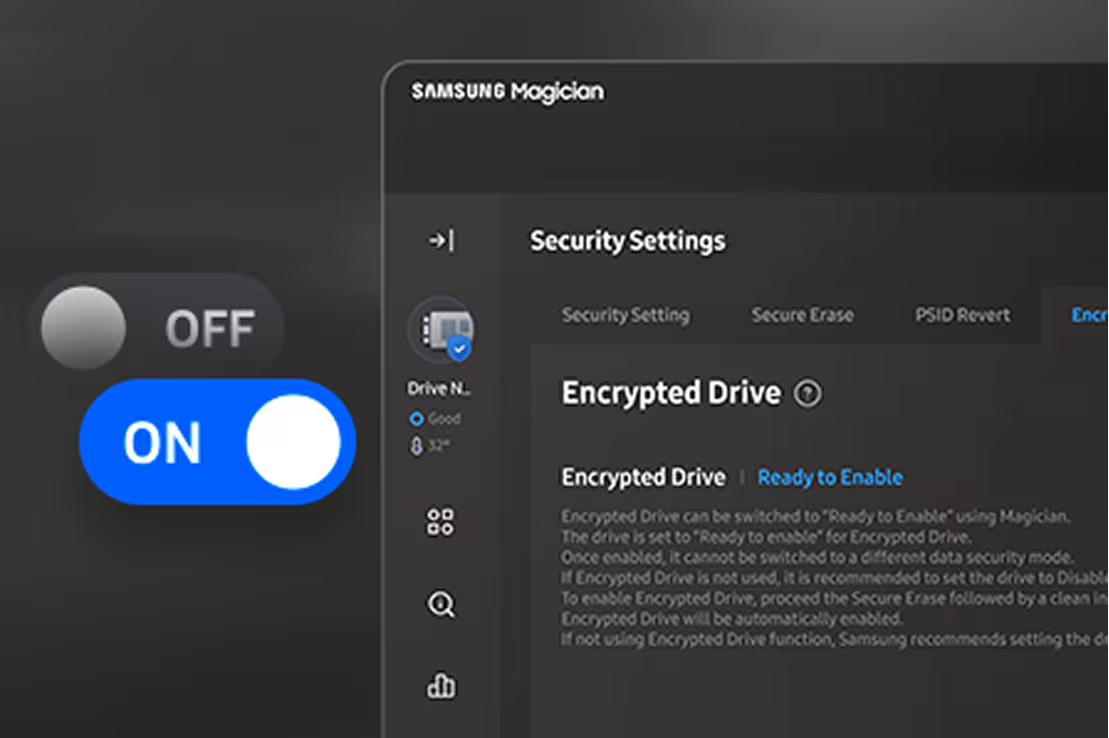
Encrypted Drive шифрует диск. Настройка рассчитана на быстрый запуск, чтобы диск можно было носить с собой.
* Encrypted Drive — это BitLocker Drive Encryption в Windows 8 Pro, Windows 8 Enterprise и новее, включая редакции Windows Server 2012.
Программа Magician поддерживает следующие продукты памяти Samsung.
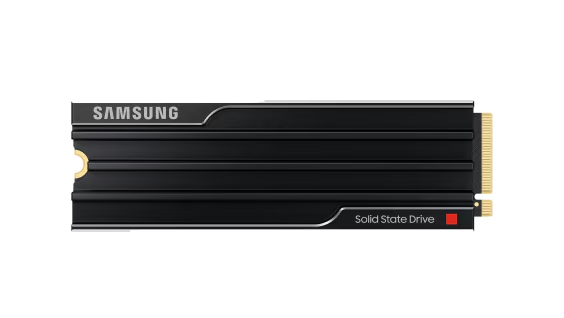
MZ-VAP1T0CW (1TB)
MZ-VAP2T0CW (2TB)
MZ-VAP4T0CW (4TB)
MZ-VAP8T0CW (8TB)
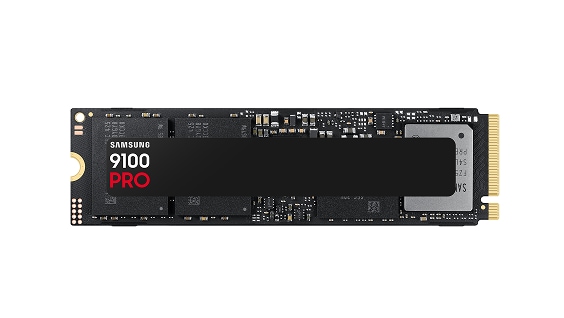
MZ-VAP1T0BW (1TB)
MZ-VAP2T0BW (2TB)
MZ-VAP4T0BW (4TB)
MZ-VAP8T0BW (8TB)
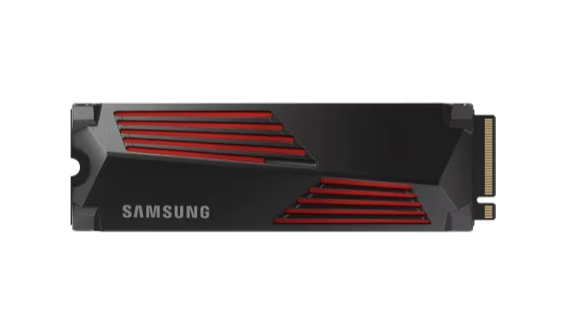
MZ-V9P1T0CW(1TB)
MZ-V9P1T0GW(1TB)
MZ-V9P2T0CW(2TB)
MZ-V9P2T0GW(2TB)
MZ-V9P4T0CW(4TB)
MZ-V9P4T0GW(4TB)
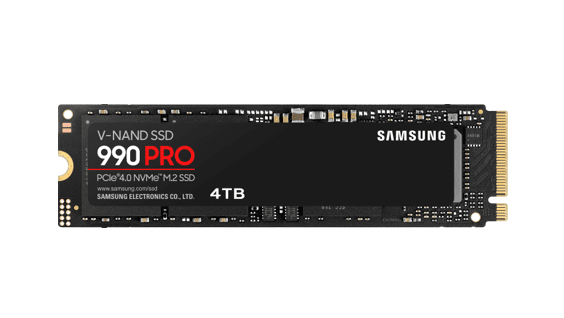
MZ-V9P1T0BW (1TB)
MZ-V9P2T0BW (2TB)
MZ-V9P4T0BW (4TB)
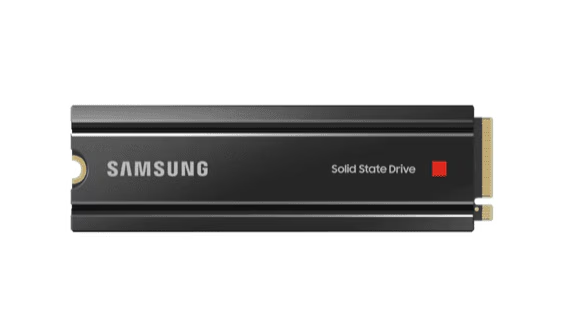
MZ-V8P1T0CW (1TB)
MZ-V8P2T0CW (2TB)
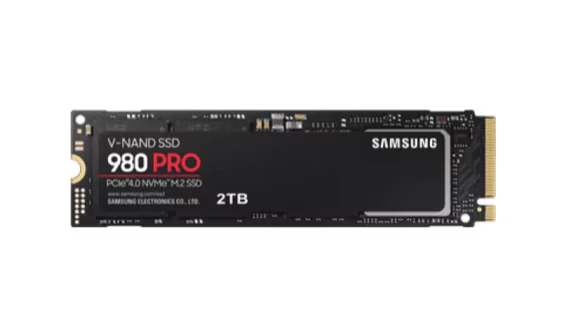
MZ-V8P250BW (250GB)
MZ-V8P500BW (500GB)
MZ-V8P1T0BW (1TB)
MZ-V8P2T0BW (2TB)
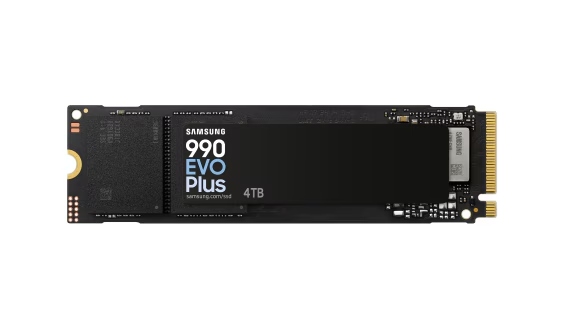
MZ-V9S1T0BW(1TB)
MZ-V9S2T0BW(2TB)
MZ-V9S4T0BW(4TB)
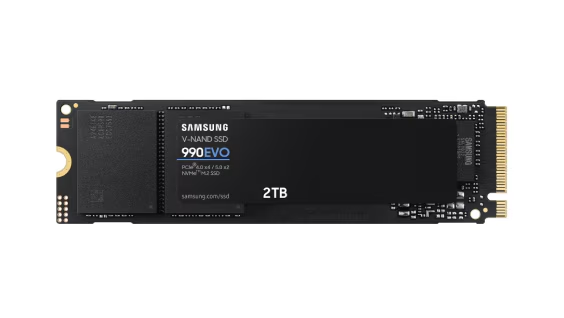
MZ-V9E1T0BW (1TB)
MZ-V9E2T0BW (2TB)
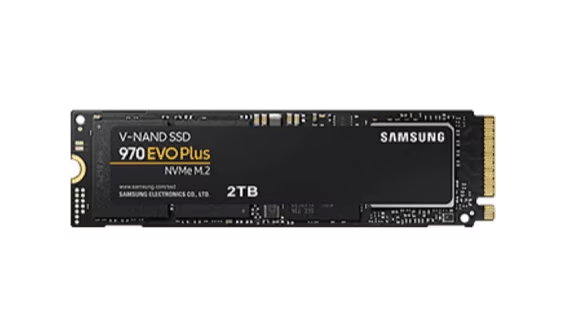
MZ-V7S250BW (250GB)
MZ-V7S500BW (500GB)
MZ-V7S1T0BW (1TB)
MZ-V7S2T0BW (2TB)
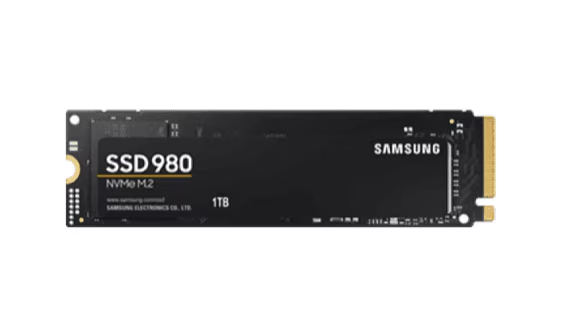
MZ-V8V250BW (250GB)
MZ-V8V500BW (500GB)
MZ-V8V1T0BW (1TB)
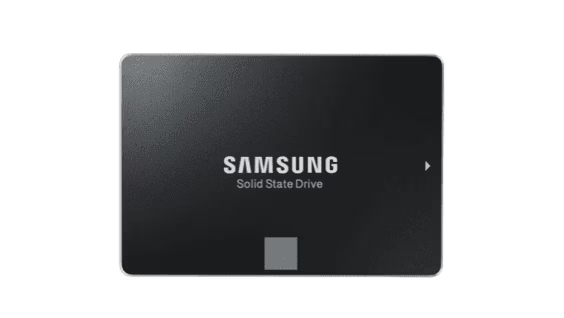
MZ-77E250 (250GB)
MZ-77E500 (500GB)
MZ-77E1T0 (1TB)
MZ-77E2T0 (2TB)
MZ-77E4T0 (4TB)
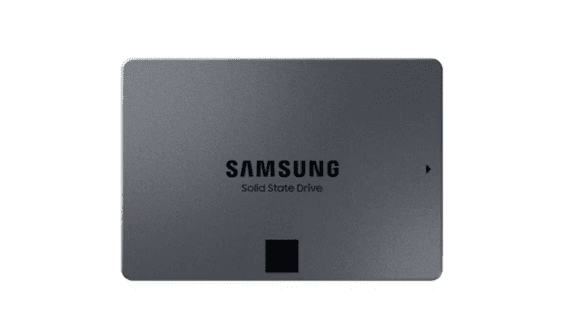
MZ 77Q1T0 (1TB)
MZ 77Q2T0 (2TB)
MZ 77Q4T0 (4TB)
MZ 77Q8T0 (8TB)
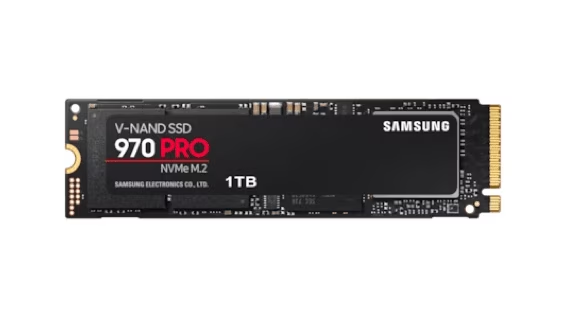
MZ-V7P512BW (512GB)
MZ-V7P1T0BW (1TB)
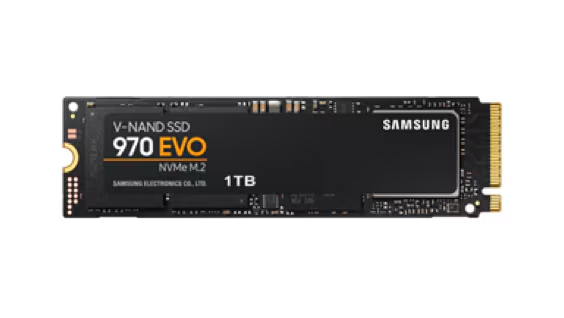
MZ-V7E250BW (250GB)
MZ-V7E500BW (500GB)
MZ-V7E1T0BW (1TB)
MZ-V7E2T0BW (2TB)
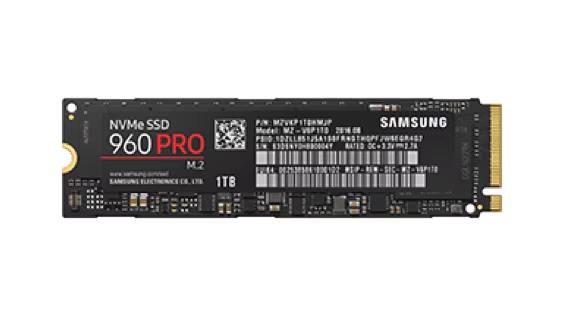
MZ-V6P512BW (512GB)
MZ-V6P1T0BW (1TB)
MZ-V6P2T0BW (2TB)
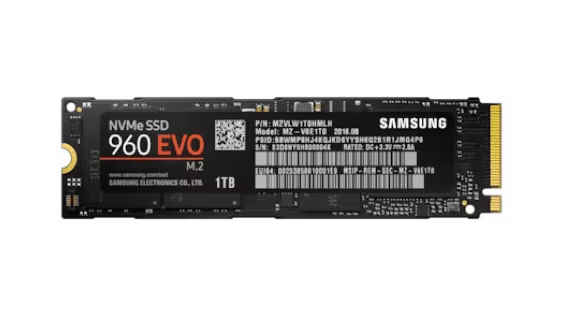
MZ-V6E250BW (250GB)
MZ-V6E500BW (500GB)
MZ-V6E1T0BW (1TB)
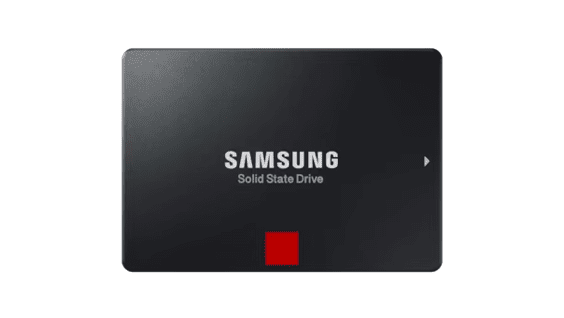
MZ-76P256BW (256GB)
MZ-76P512BW (512GB)
MZ-76P1T0BW (1TB)
MZ-76P2T0BW (2TB)
MZ-76P4T0BW (4TB)
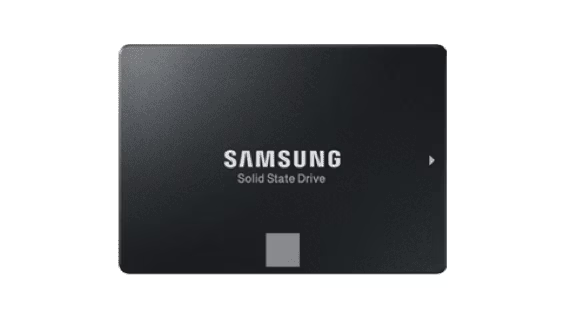
MZ-76E250BW (250GB)
MZ-76E500BW (500GB)
MZ-76E1T0BW (1TB)
MZ-76E2T0BW (2TB)
MZ-76E4T0BW (4TB)
MZ-M6E250BW (250GB)
MZ-M6E500BW (500GB)
MZ-M6E1T0BW (1TB)
MZ-N6E250BW (250GB)
MZ-N6E500BW (500GB)
MZ-N6E1T0BW (1TB)
MZ-N6E2T0BW (2TB)
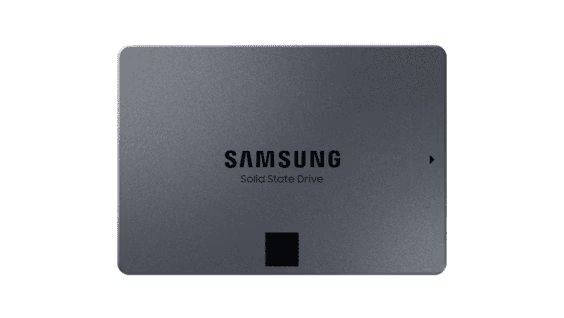
MZ-76Q1T0BW (1TB)
MZ-76Q2T0BW (2TB)
MZ-76Q4T0BW (4TB)
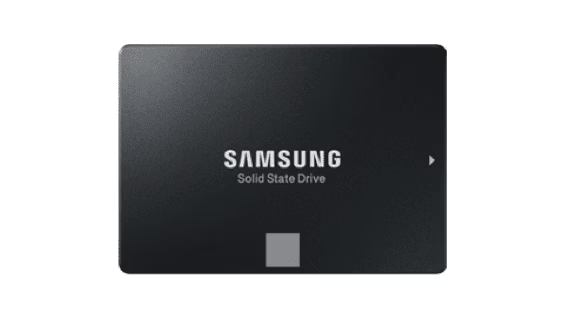
MZ-75E250 (250GB)
MZ-75E500 (500GB)
MZ-75E1T0 (1TB)
MZ-75E2T0 (2TB)
MZ-75E4T0 (4TB)
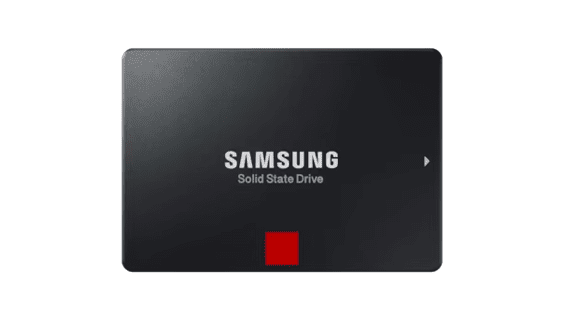
MZ-7KE256 (256GB)
MZ-7KE512 (512GB)
MZ-7KE1T0 (1TB)
MZ-7KE2T0 (2TB)
MZ-7KE4T0 (4TB)
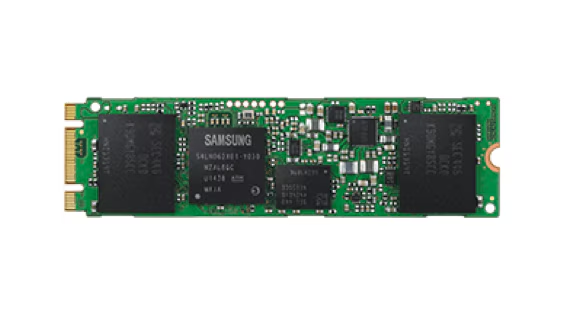
MZ-N5E120 (120GB)
MZ-N5E250 (250GB)
MZ-N5E500 (500GB)
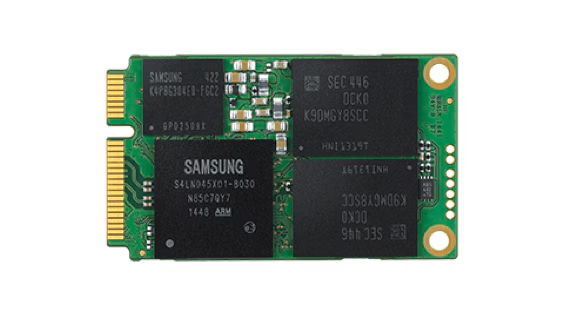
MZ-M5E120 (120GB)
MZ-M5E250 (250GB)
MZ-M5E500 (500GB)
MZ-M5E1T0 (1TB)
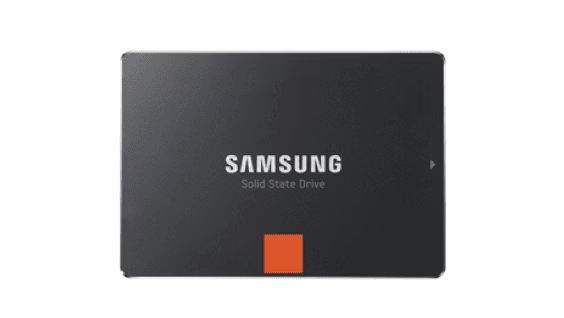
MZ-7PD128 (128GB)
MZ-7PD256 (256GB)
MZ-7PD512 (512GB)
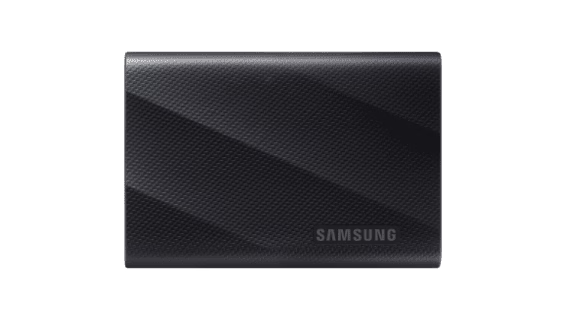
MU-PG1T0B (1TB)
MU-PG2T0B (2TB)
MU-PG4T0B (4TB)
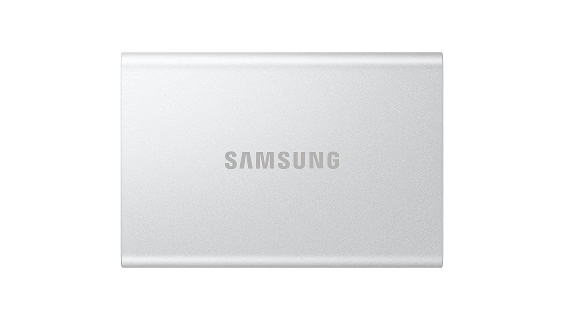
MU-PG1T0 (1TB)
MU-PG2T0 (2TB)
MU-PG4T0 (4TB)
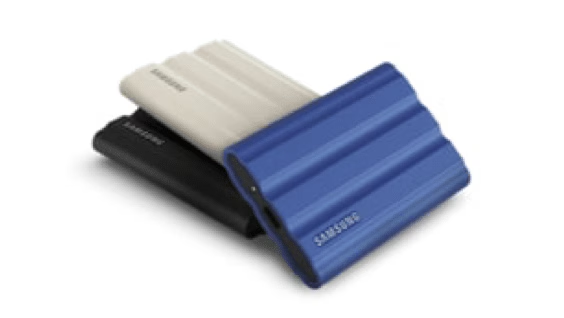
MU-PE1T0K (1TB)
MU-PE1T0R (1TB)
MU-PE1T0S (1TB)
MU-PE2T0K (2TB)
MU-PE2T0R (2TB)
MU-PE2T0S (2TB)
MU-PE4T0K (4TB)
MU-PE4T0R (4TB)
MU-PE4T0S (4TB)
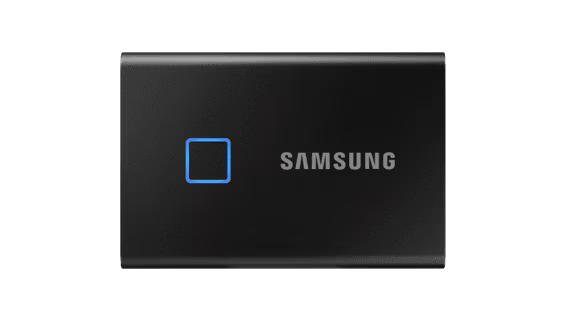
MU-PC500K (500GB)
MU-PC500S (500GB)
MU-PC1T0K (1TB)
MU-PC1T0S (1TB)
MU-PC2T0K (2TB)
MU-PC2T0S (2TB)
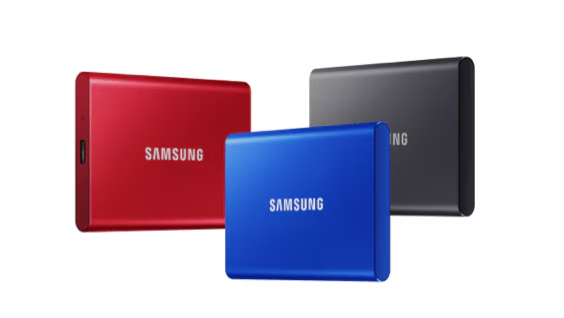
MU-PC500R (500GB)
MU-PC500H (500GB)
MU-PC500T (500GB)
MU-PC1T0R (1TB)
MU-PC1T0H (1TB)
MU-PC1T0T (1TB)
MU-PC2T0R (2TB)
MU-PC2T0H (2TB)
MU-PC2T0T (2TB)
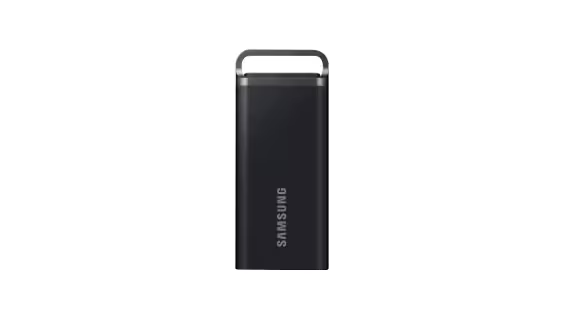
MU-PH2T0S (2TB)
MU-PH4T0S (4TB)
MU-PH8T0S (8TB)
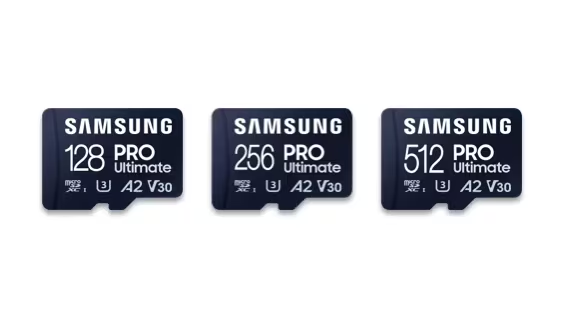
MB-MY128S (128GB)
MB-MY256S (256GB)
MB-MY512S (512GB)
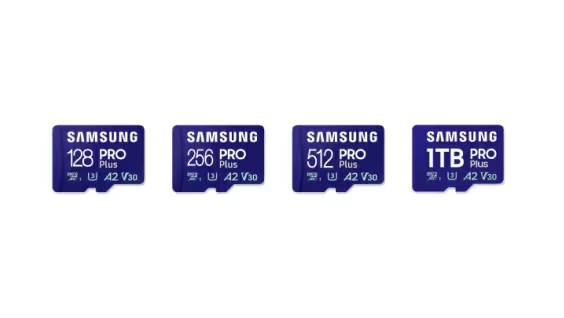
MB-MD128S (128GB)
MB-MD256S (256GB)
MB-MD512S (512GB)
MB-MD1T0S (1TB)
MB-MD128K (128GB)
MB-MD256K (256GB)
MB-MD512K (512GB)
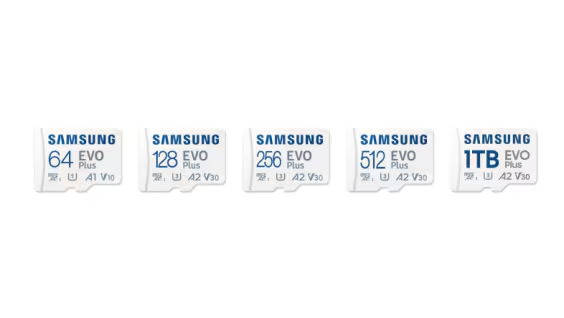
MB-MC64S (64GB)
MB-MC128S (128GB)
MB-MC256S (256GB)
MB-MC512S (512GB)
MB-MC1T0S (1TB)
MB-MC64K (64GB)
MB-MC128K (128GB)
MB-MC256K (256GB)
MB-MC512K (512GB)
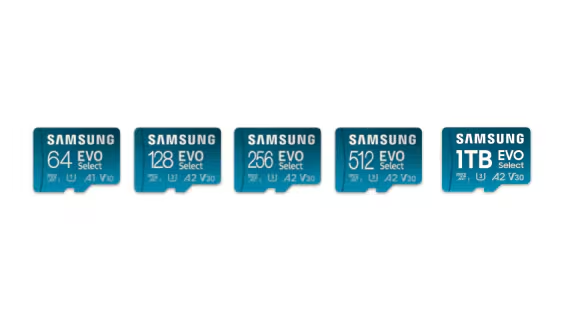
MB-ME64S (64GB)
MB-ME128S (128GB)
MB-ME256S (256GB)
MB-ME512S (512GB)
MB-ME1T0S (1TB)
MB-ME64K (64GB)
MB-ME128K (128GB)
MB-ME256K (256GB)
MB-ME512K (512GB)
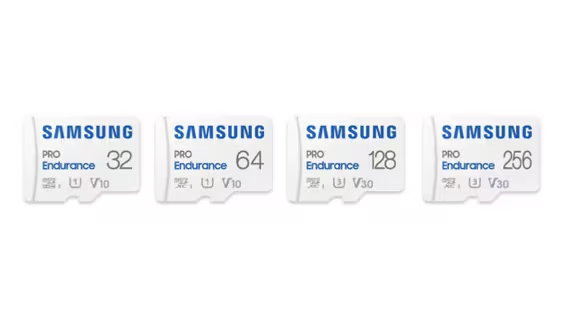
MB-MJ32K (32GB)
MB-MJ64K (64GB)
MB-MJ128K (128GB)
MB-MJ256K (256GB)
MB-MJ32G (32GB)
MB-MJ64G (64GB)
MB-MJ128G (128GB)
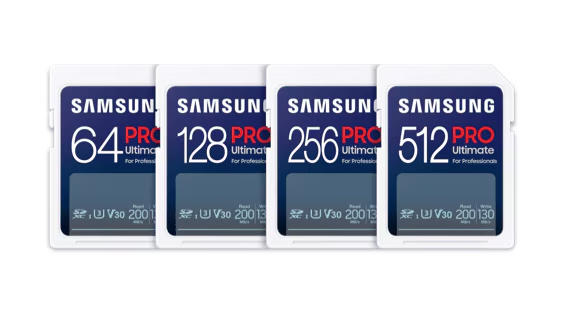
MB-SY64S (64GB)
MB-SY128S (128GB)
MB-SY256S (256GB)
MB-SY512S (512GB)
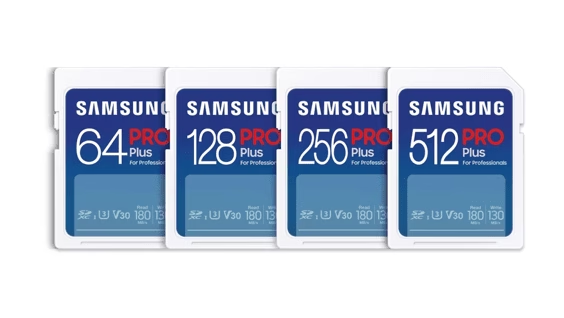
MB-SD64S (64GB)
MB-SD128S (128GB)
MB-SD256S (256GB)
MB-SD512S (512GB)
MB-SD32K (32GB)
MB-SD64K (64GB)
MB-SD128K (128GB)
MB-SD256K (256GB)
MB-SD512K (512GB)
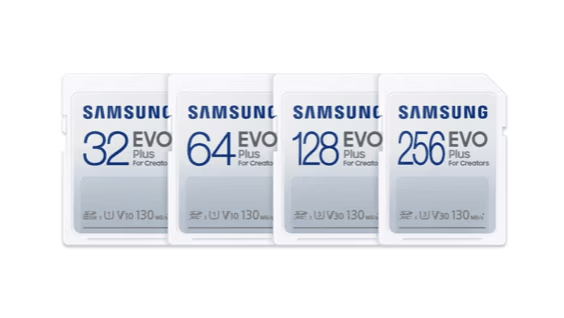
MB-SC32K (32GB)
MB-SC64K (64GB)
MB-SC128K (128GB)
MB-SC256K (256GB)
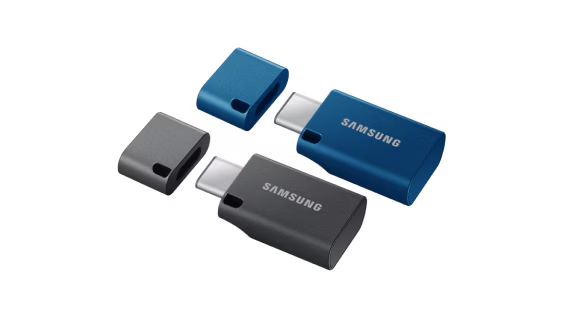
MUF-64DA (64GB)
MUF-128DA (128GB)
MUF-256DA (256GB)
MUF-512DA (512GB)
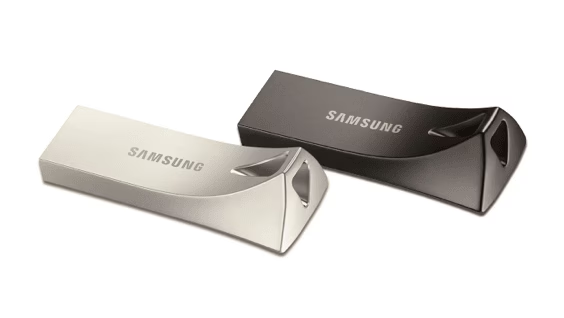
MUF-32BE (32GB)
MUF-64BE (64GB)
MUF-128BE (128GB)
MUF-256BE (256GB)
MUF-512BE (512GB)
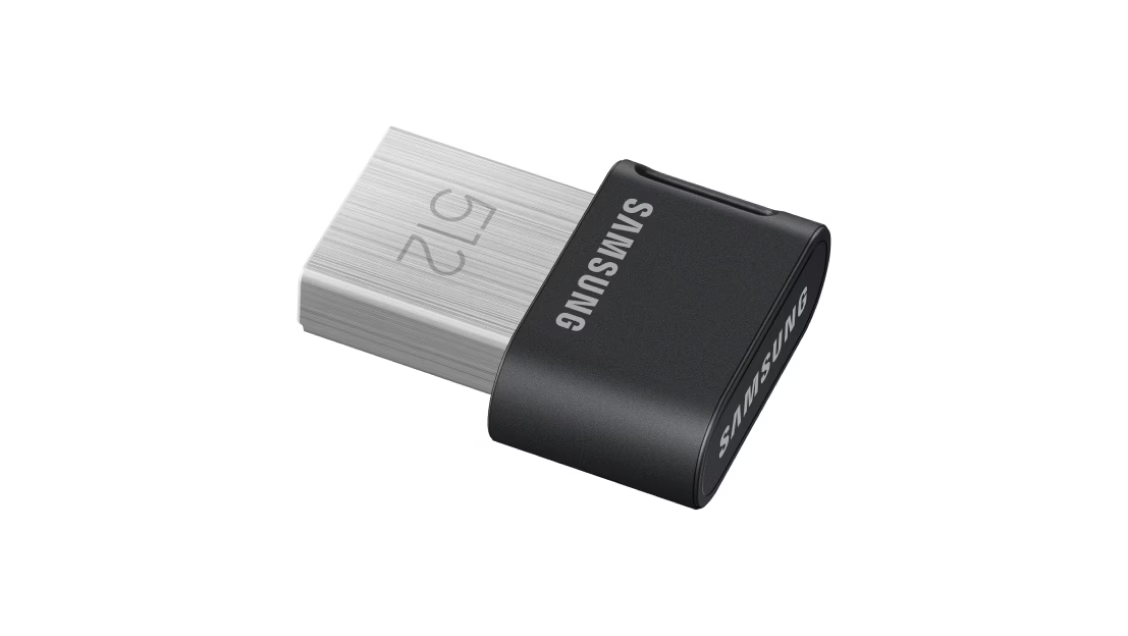
MUF-32AB (32GB)
MUF-64AB (64GB)
MUF-128AB (128GB)
MUF-256AB (256GB)
MUF-512AB (512GB)
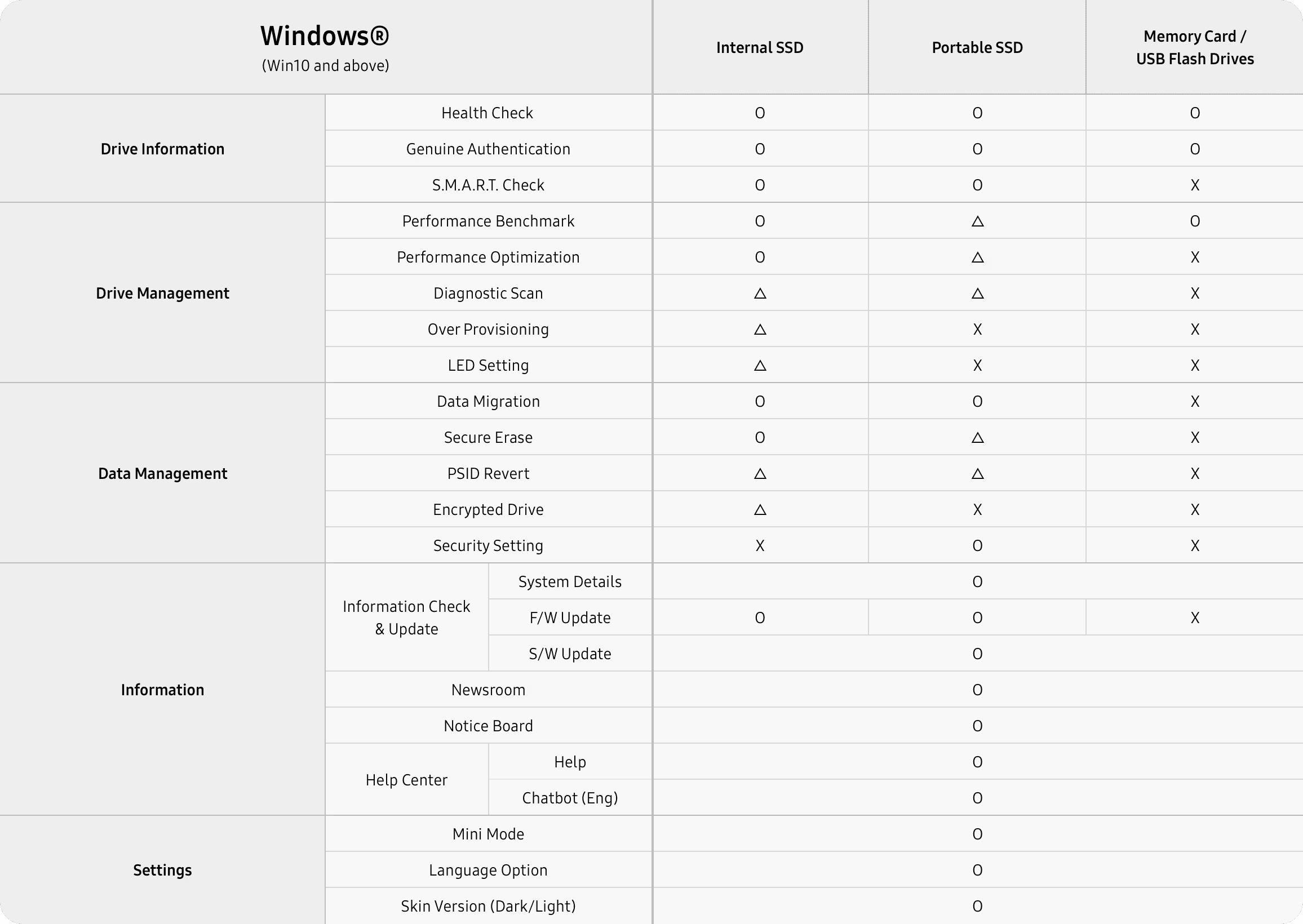
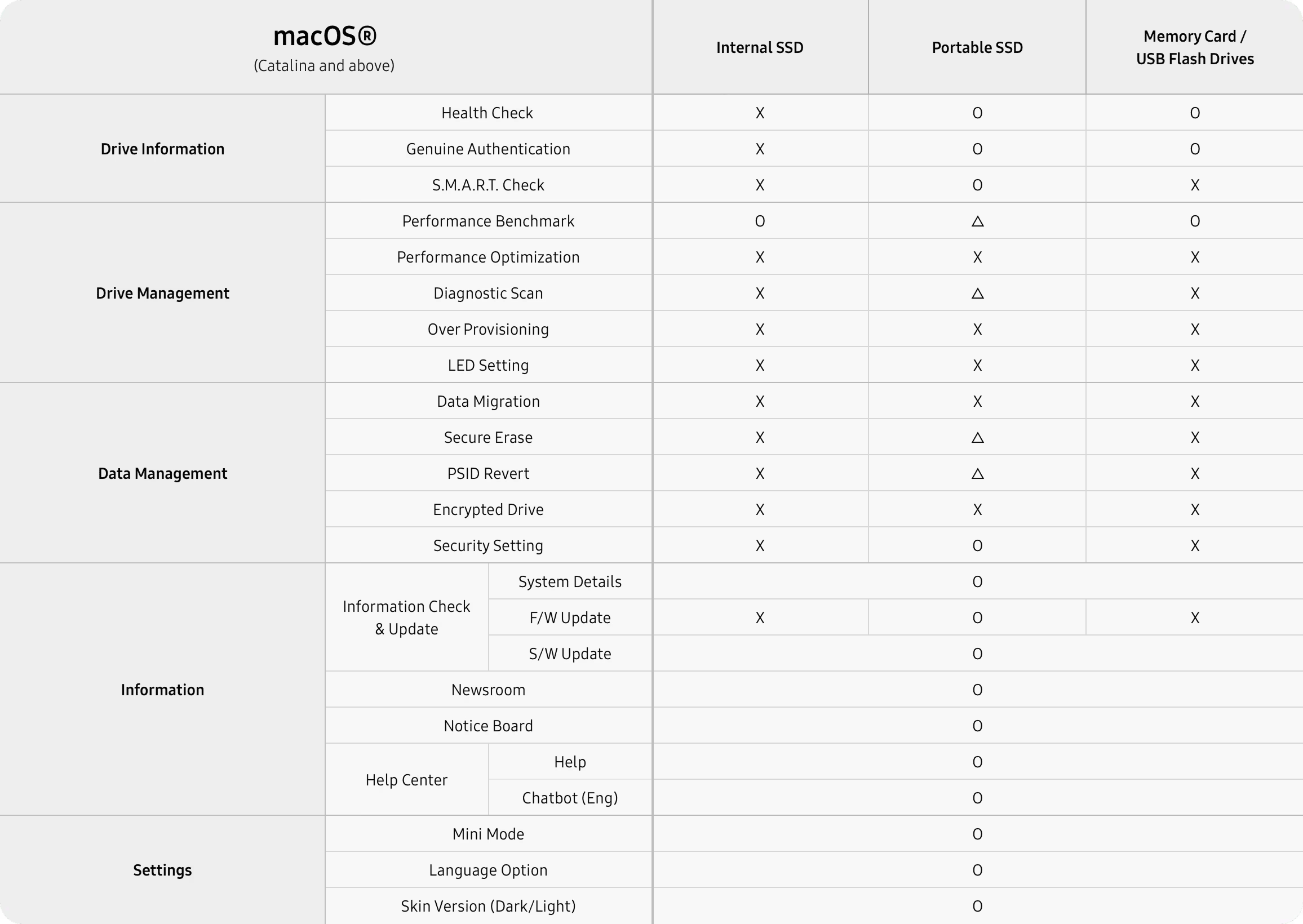
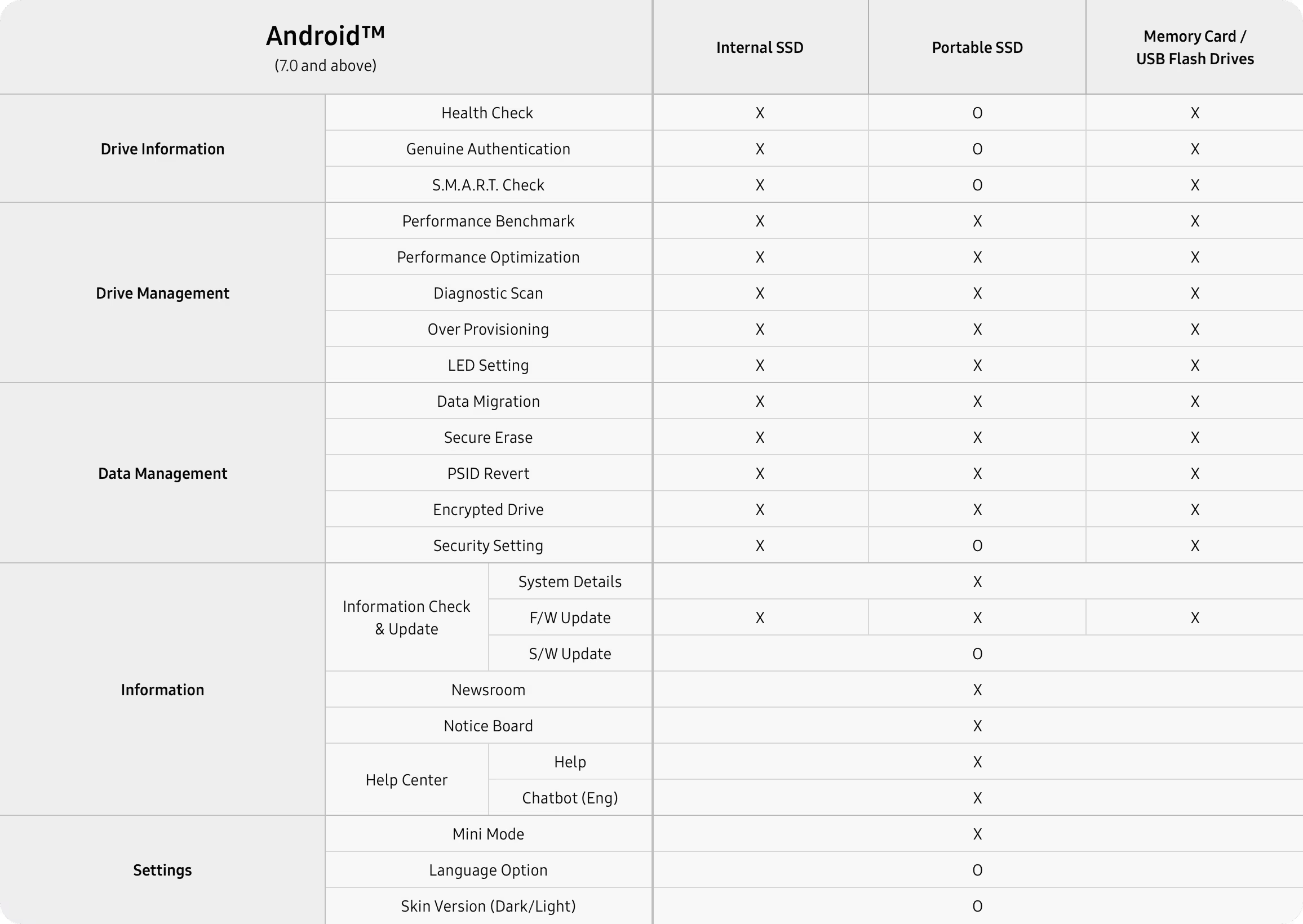
* Набор функций может отличаться в языковых версиях программы. O: все модели. Треугольник: часть моделей. X: не поддерживается.
Samsung Magician helps owners manage Samsung internal SSDs, portable SSDs, memory cards, and USB flash drives, update firmware, and tune a drive for performance and reliability. Samsung distributes it only for owners of Samsung memory products. Features such as compatibility, benchmark, optimization, over provisioning, secure erase, and data security depend on the model. Non-Samsung SSDs and Samsung OEM drives that shipped inside a PC do not get the full set.
Samsung Magician 9.0 runs on Windows 10 (32-bit and 64-bit), macOS Catalina 10.15 and later, and Android 7.0 and later. Windows 8.1 and older should use Magician 7.3. Linux is not supported. внутренние SSD are not supported on macOS or Android.
Full support is for Samsung branded internal SSDs, portable SSDs, memory cards, and USB flash drives. Supported features may differ on Samsung OEM SSDs and on drives from other brands.
Версия 9.0 для Windows
Samsung Magician is free drive software for a Samsung internal SSD, portable SSD, memory card, or USB flash drive. On Windows it reports health, runs a diagnostic scan, updates firmware, and can copy an existing system onto a new Samsung SSD.
Собственная бесплатная лицензия. Установке нужно 600 МБ. Этот сайт не хранит EXE. Кнопка открывает страницу инструментов Samsung Semiconductor.
N/A, если диск не отдаёт атрибут S.M.A.R.T.
Показывается, если подключённый диск Samsung её сообщает.
Суммарно записанные байты на поддерживаемых продуктах Samsung.
Samsung shows "Updated version is available" beside the firmware name when a newer one exists.
These are field names from Samsung Magician. The panel is not a reading from a disk in front of us, and it does not invent a percentage, a temperature, or a terabyte count.
Samsung Magician 9.0 is the company's own utility for Samsung memory products. The installation guide, revision 1.9 from December 2025, describes a new interface and customizable widgets. Samsung's product page says the same generation can authenticate a drive, read S.M.A.R.T. data, run a diagnostic scan, migrate a system, partition a disk, tune performance, and apply security tools. Which of those appear depends on the model.
Read the feature breakdown, including RAPID mode and PSID Revert
Сведения о диске
Samsung groups these under drive information. They are the reason most people open the program after a new 990 PRO, 980, or portable T7 shows up in Windows.
Confirms the drive is a Samsung product. Samsung states that this check needs internet. If it fails, the FAQ says to check the connection, restart the PC, and contact an authorized Samsung service center if it still fails.
Reads the health attributes the drive exposes, including signs Samsung describes as early trouble. Состояние диска and total usage stay N/A when the attribute is missing or the disk is not a supported Samsung product.
A short or full test for functional errors. Short scan is NTFS only and Samsung asks for at least 5 GB free. A locked drive cannot be scanned. Full scan can crawl when Microsoft Defender real-time protection is on.
Samsung's FAQ describes Data Migration as the way to move the operating system, application software, and user data from the current HDD or SSD onto a new Samsung SSD. It is not a general disk cloner for any brand of target, and Samsung does not officially support it in a software RAID layout.
Do not disconnect the drive while a migration, firmware update, benchmark, secure erase, or diagnostic scan is running. The install guide says an abnormal stop can corrupt data.
Источник
Текущий HDD или SSD
The disk Windows is using now, mounted with a drive letter. Magician only lists lettered volumes.
Цель
Новый SSD Samsung
Internal models on Windows. Refresh System Information after you attach a new drive or the list can stay stale.
Копируется
ОС, программы, файлы
Samsung's own description of the payload. Partition rules still apply: MBR or GPT only.
Performance Optimization can apply a mode such as Balanced. Samsung's product page also describes full power and power efficiency choices, and says the available modes change with the SSD. The feature uses the operating system's TRIM command and supports NTFS only.
Performance Benchmark measures read and write speed. Samsung says you can change the test volume and chunk size. Refresh the drive list before you test a disk you just plugged in. Results that miss the spec sheet have a separate checklist: port, PCIe lanes, heat, power plan, and other software.
RAPID mode, Real-time Accelerated Processing of I/O Data, is a narrower option. The install guide limits it to listed SATA SSDs, Windows 10 или новее, a 1 GHz CPU, 2 GB of RAM, 50 MB free, and NTFS.
| Оптимизация | NTFS. TRIM comes from Windows. IRST drivers can block write-cache changes. |
|---|---|
| Benchmark | Volume and chunk size are adjustable. Some removable disks and ASMedia controllers time out. |
| Over Provisioning | NTFS or raw space. Not Windows XP. Cluster misalignment can make it fail with free space left. |
| RAPID | Listed 840, 850, 860, 870, and 750 EVO or PRO SATA models. 50 MB free, 2 GB RAM. |
People comparing drive tools usually already know CrystalDiskInfo and the Optimize Drives app in Windows. This table stays with jobs Samsung documents for Magician, and with what those other two programs are actually for.
| Задача | Samsung Magician | CrystalDiskInfo | Оптимизация дисков Windows |
|---|---|---|---|
| Samsung SSD firmware update | Yes, from Samsung. The PC shuts down after a 20 second countdown. | No. It displays S.M.A.R.T. data. | Нет. |
| Состояние диска and TBW | Yes on supported Samsung products. N/A if the attribute is missing. | Shows the S.M.A.R.T. attributes the drive exposes, on many brands. | No health or TBW view. |
| Read and write benchmark | Yes, with volume and chunk size. That is separate from CrystalDiskMark. | No. CrystalDiskMark is a different program. | Нет. |
| Copy Windows onto a new Samsung SSD | Yes. Data Migration copies OS, apps, and files. | Нет. | Нет. |
| Secure erase and PSID Revert | Yes on models Samsung lists. PSID Revert deletes the drive. | Нет. | Нет. |
| TRIM | Performance Optimization uses the OS TRIM command on NTFS. | Нет. | Yes. This is the Windows trim tool. |
| Other brands of SSD | Limited. Прошивка, health, secure erase, and TBW are excluded. | S.M.A.R.T. read is the point of the program. | TRIM on volumes Windows supports. |
| Цена | Free, proprietary, from Samsung. | Бесплатно. | Included with Windows. |
Samsung's product page. Uptodown records Windows build 9.0.1.950 on 1 April 2026.
Uptodown's size for 9.0.1.950 only. Do not treat it as the size of every later build.
Plus macOS 10.15 and Android 7.0. Linux is not supported. внутренние SSD need Windows.
This domain is an independent reference. It is not Samsung Electronics.
Uptodown's Windows listing showed a 1.0 score from 3 reviews and 171,124 downloads. That score belongs to Uptodown's page, not to this site. Both comments below are old and short. They are included because they are real, not because they praise the program.
"Win 11, it doesn't work."
"Since the update of Samsung Magician to version 7.1, the application no longer starts on each reboot of my computer running Win10. The message suggests reinstalling the application, which works."
The questions below are the ones people type before they install. The full set, including RAID, capacity math, and firmware backup, is on the FAQ page.
Yes. Samsung distributes Magician at no charge for owners of Samsung memory products. The license is proprietary. Uptodown's Windows listing also marks build 9.0.1.950 as free.
The Magician 9 installation guide requires Windows 10 или новее, which includes Windows 11. Samsung's FAQ names Windows 10 (32-bit and 64-bit) for version 9.0 and tells people on Windows 8.1 or older to use Magician 7.3. A 2023 Uptodown comment said Windows 11 did not work. That report predates the 9.0.1.950 build listed on 1 April 2026.
Full support is for Samsung branded internal SSDs, portable SSDs, memory cards, and USB flash drives. Samsung says firmware update, drive health, secure erase, and total bytes written are not supported on non-Samsung SSDs. Features can also differ on Samsung OEM drives that shipped inside a PC.
No. Samsung says Magician runs without internet. An internet connection is required to authenticate a drive as a Samsung product and is recommended for firmware, feature module, and application updates.
This site does not host the installer. Скачать для Windows opens Samsung Semiconductor's tools page, where Samsung publishes Magician.
Use the tools page to download Magician for Windows. Confirm the build number there. Community posts in September 2026 mention a 9.0.2 update, while Uptodown's file record is still 9.0.1.950.